![MEG high res strap_logo (trans)-1.png]](https://help.megsupporttools.com/hs-fs/hubfs/MEG%20high%20res%20strap_logo%20(trans)-1.png?height=50&name=MEG%20high%20res%20strap_logo%20(trans)-1.png)
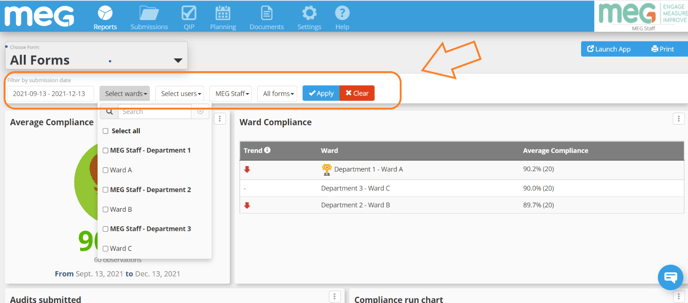
There are lots of options to filter the data; by date range, ward/area, user/auditor, subforms (if applicable) depending on the questions on your form. These are accessed by using the drop down menus.
Select the dropdown menu as required, i.e. set a date range to search or a search by staff category.
Don't forget to press the 'Apply' button to display the filtered information!